Summary Display Mode
The Summary display mode shows you a table view of the activity hierarchy, giving you detailed information about all of the activities at a glance:
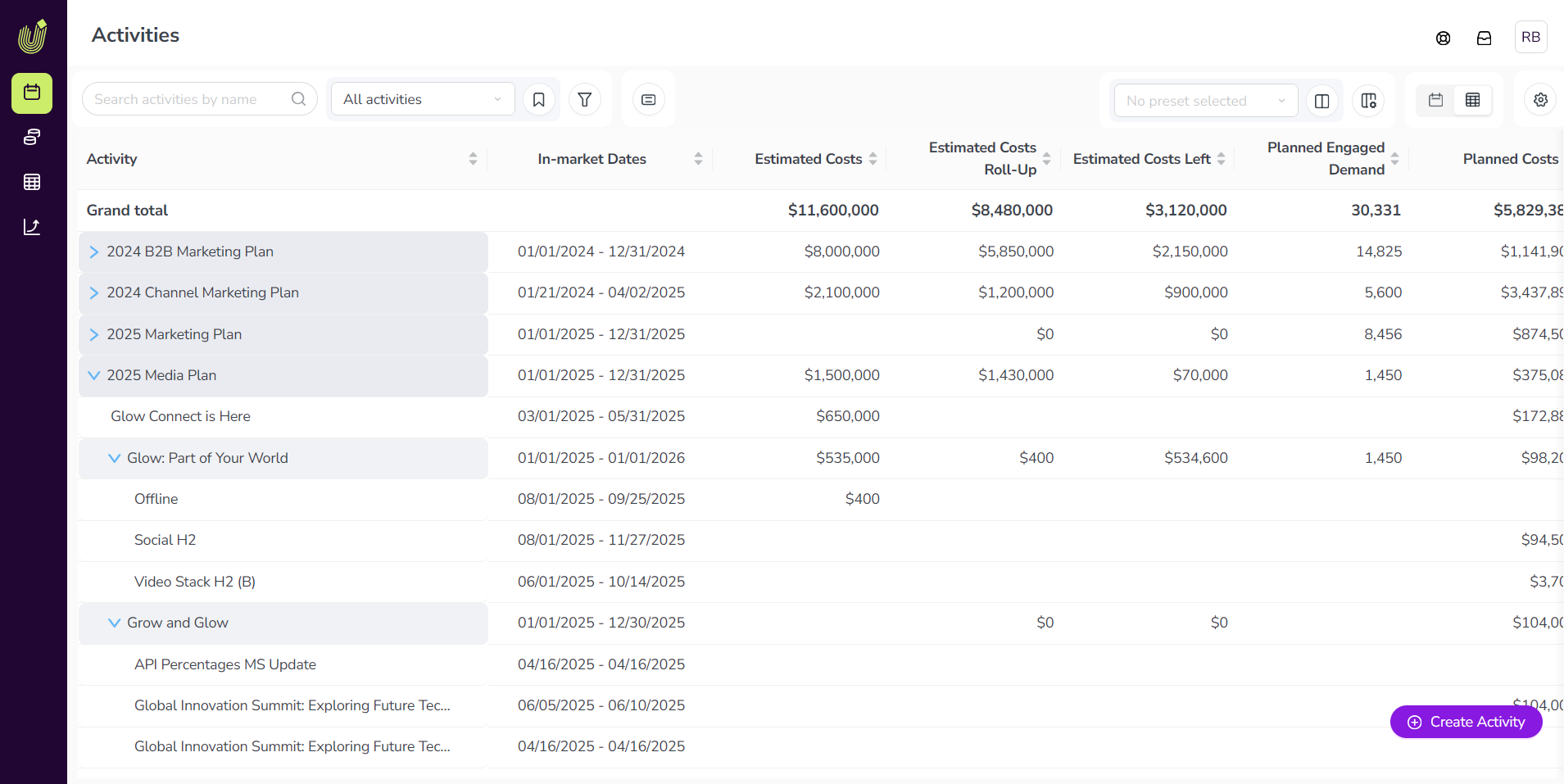
To switch to the Summary display mode, switch the  Timeline /
  Summary toggle button to the Summary setting.
The columns in the Summary display mode table are customizable, so you can choose what information you want to see. To learn more about customizing the columns, see Using the Summary Display Mode.